Turn any SharePoint list into a professional FAQ section. FAQ List is a SharePoint Framework (SPFx) web part that connects to your existing lists and gives you three powerful layout options to present your content. Just select a list and FAQ List automatically detects the right columns — no manual mapping needed.
Pricing
FAQ List is available as a yearly per-tenant subscription for €249/year. One license covers your entire Microsoft 365 tenant — no per-user fees, no surprises.
Free to evaluate — a license is required for continued use
Screenshots
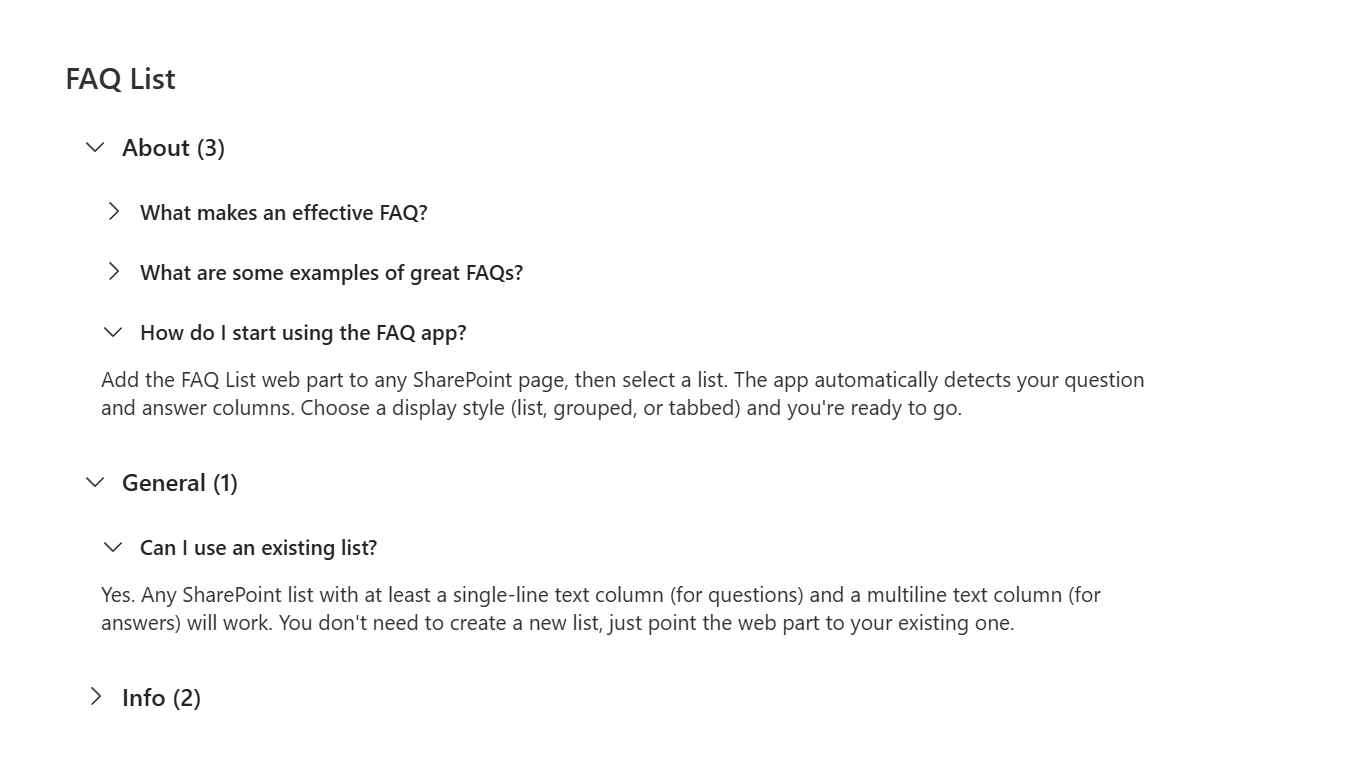
Organize items by category with collapsible groups
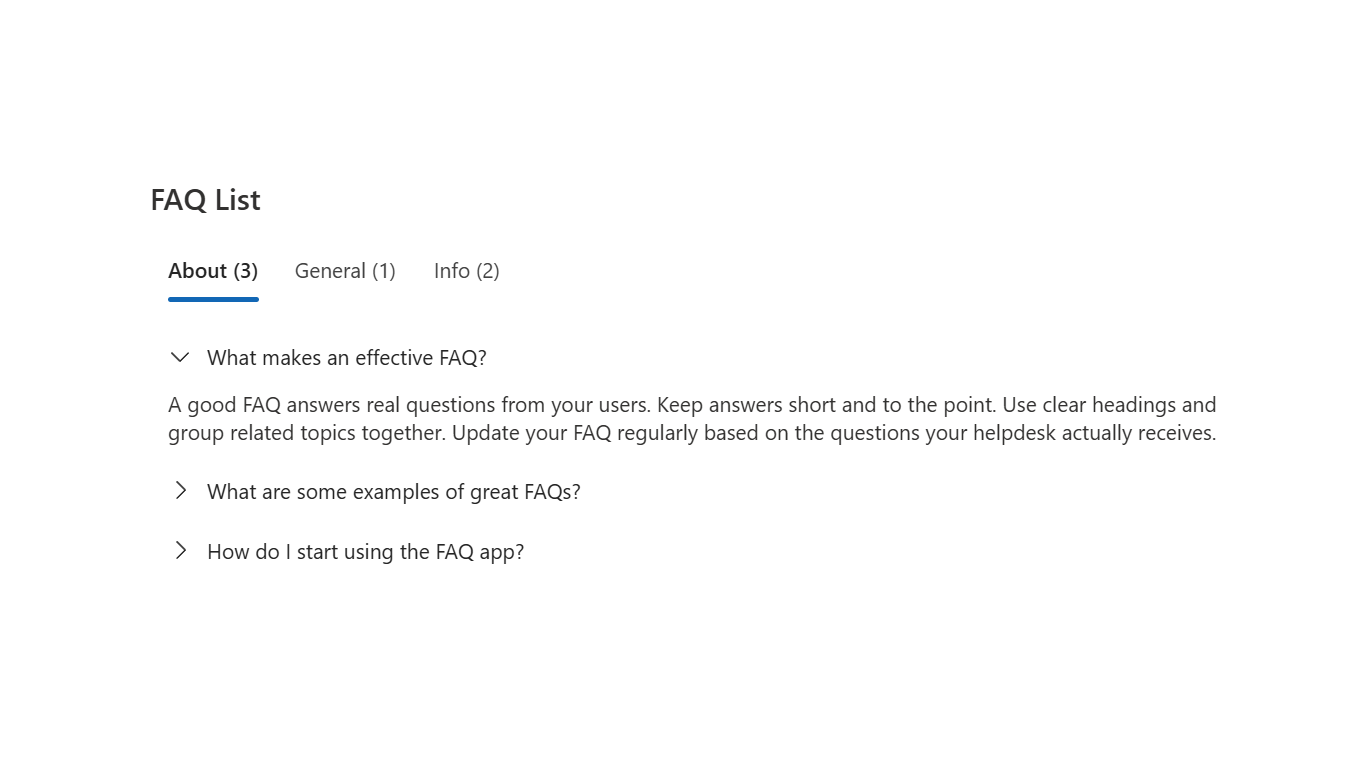
Navigate categories with tabs for quick access
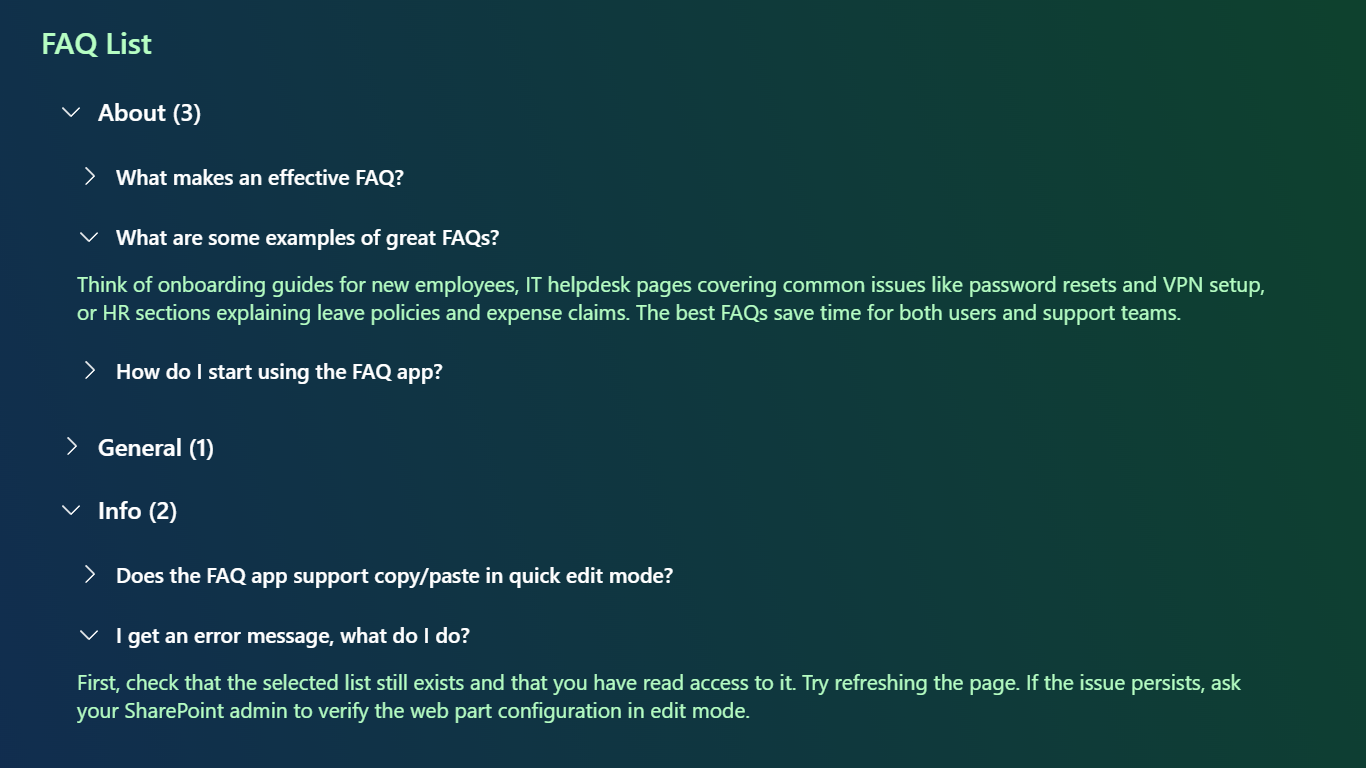
Full SharePoint theme support including dark mode
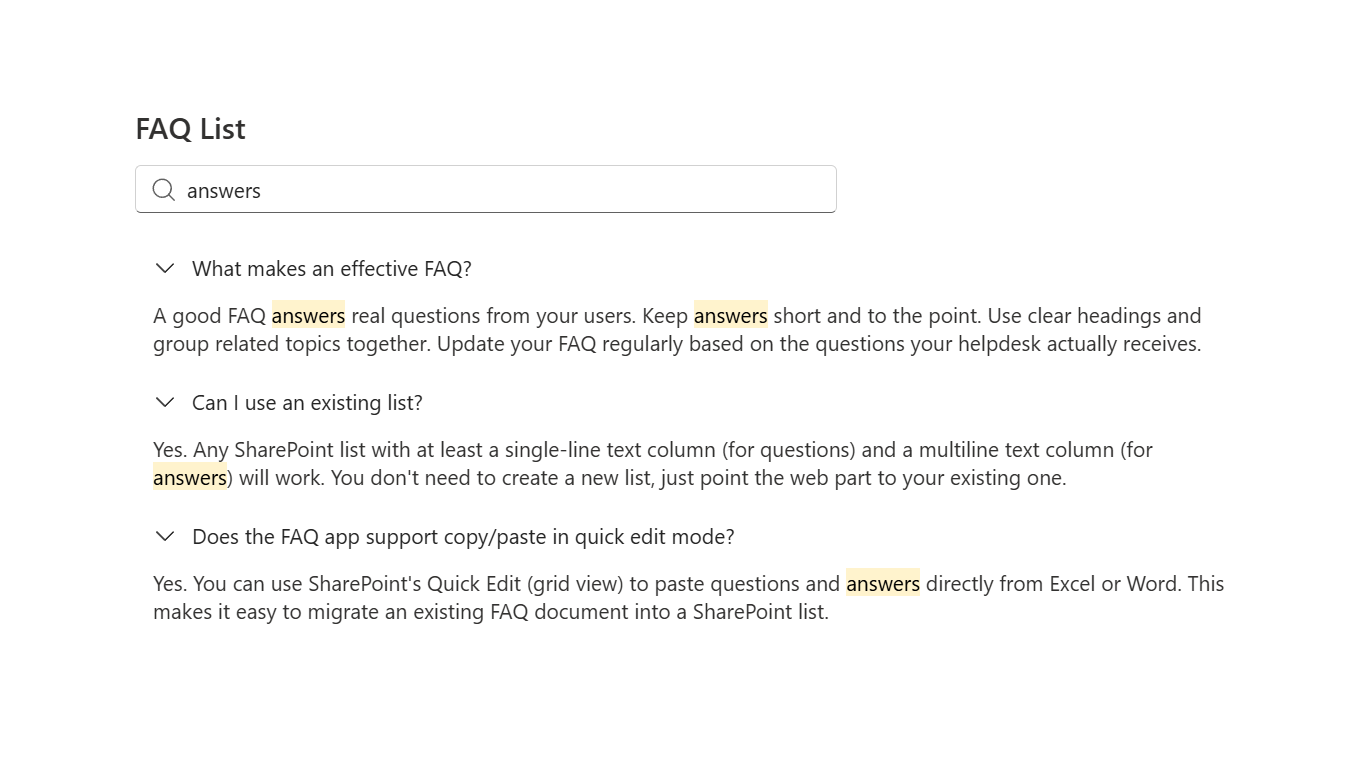
Real-time search with highlighted matches
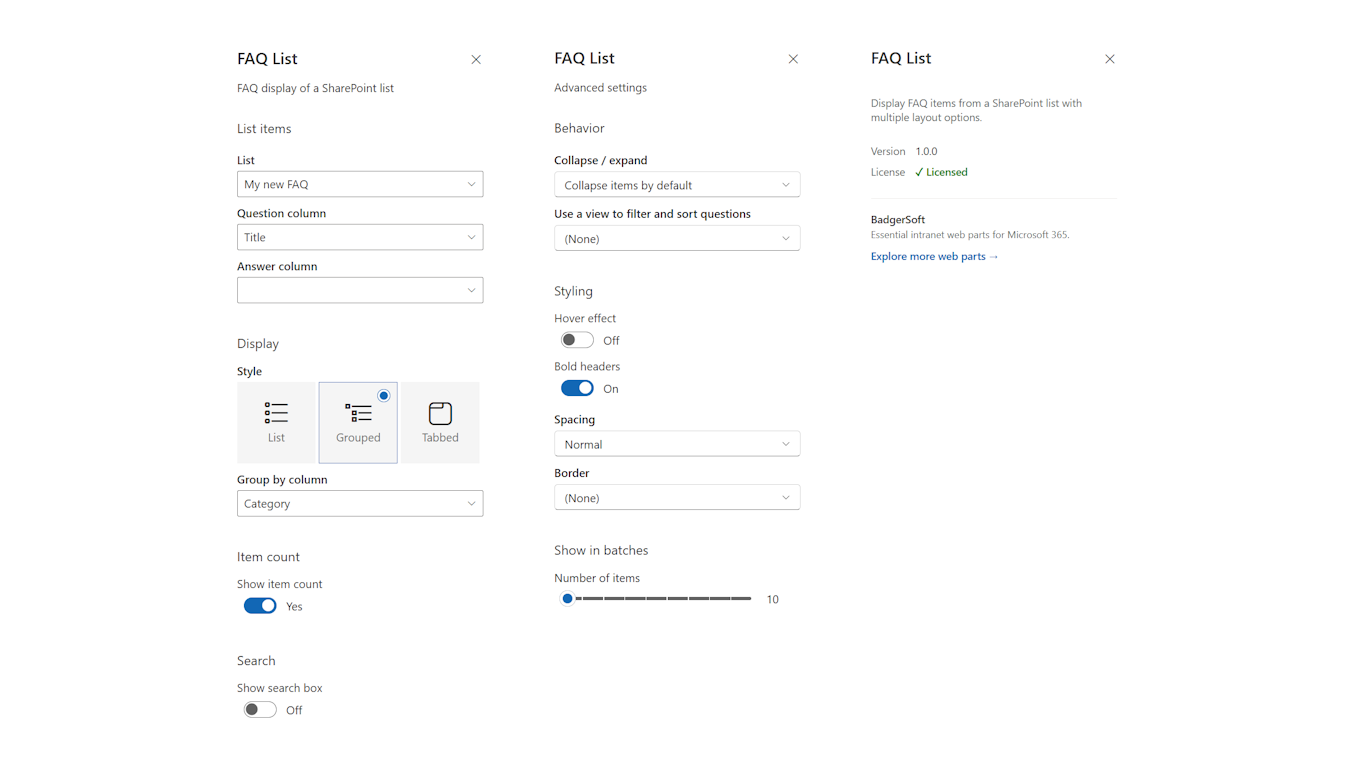
Auto-configuration detects question and answer columns
Click to enlarge
Features
Instant Setup
Select a list and FAQ List automatically detects the right columns. No manual mapping needed.
Three Display Modes
List (clean accordion), Grouped (collapsible categories), and Tabbed (tab navigation).
Built-in Search
Real-time search across questions and answers with highlighted matches.
Flexible Styling
Three spacing options, border styles, bold headers, hover effects, and full theme support including dark mode.
Accordion Mode
Only one item open at a time for a clean reading experience.
Load More Pagination
Configurable batch sizes for large lists.
List View Support
Apply existing SharePoint views for filtering and sorting.
Rich Text Answers
Full HTML support with safe rendering for formatted answers.
Works Everywhere
SharePoint pages, Microsoft Teams tabs
Localized
Fully localized in English, Dutch, German, French, and Spanish.
Licensing & Trial
Per-tenant, yearly subscription via LemonSqueezy
Without a license, the web part is fully functional to allow evaluation. A notification popup appears in the property panel to remind you that a license is required for continued use.
After purchase, you receive a license key by email. Activate by signing in with your Microsoft account and linking the key to your tenant.
Download
See the download page for all available downloads and documentation.