ABC Topic List is a SharePoint Framework (SPFx) web part that turns any SharePoint list into a clean, alphabetical topic index. Pick which fields appear in the detail panel, choose grouped or tabbed layouts, set the number of columns, and configure how each field renders. Items with a direct URL can open immediately as quick links — perfect for intranet directories, glossaries, and policy overviews.
Pricing
ABC Topic List is available as a yearly per-tenant subscription for €249/year. One license covers your entire Microsoft 365 tenant — no per-user fees, no surprises.
Free to evaluate — a license is required for continued use
Screenshots
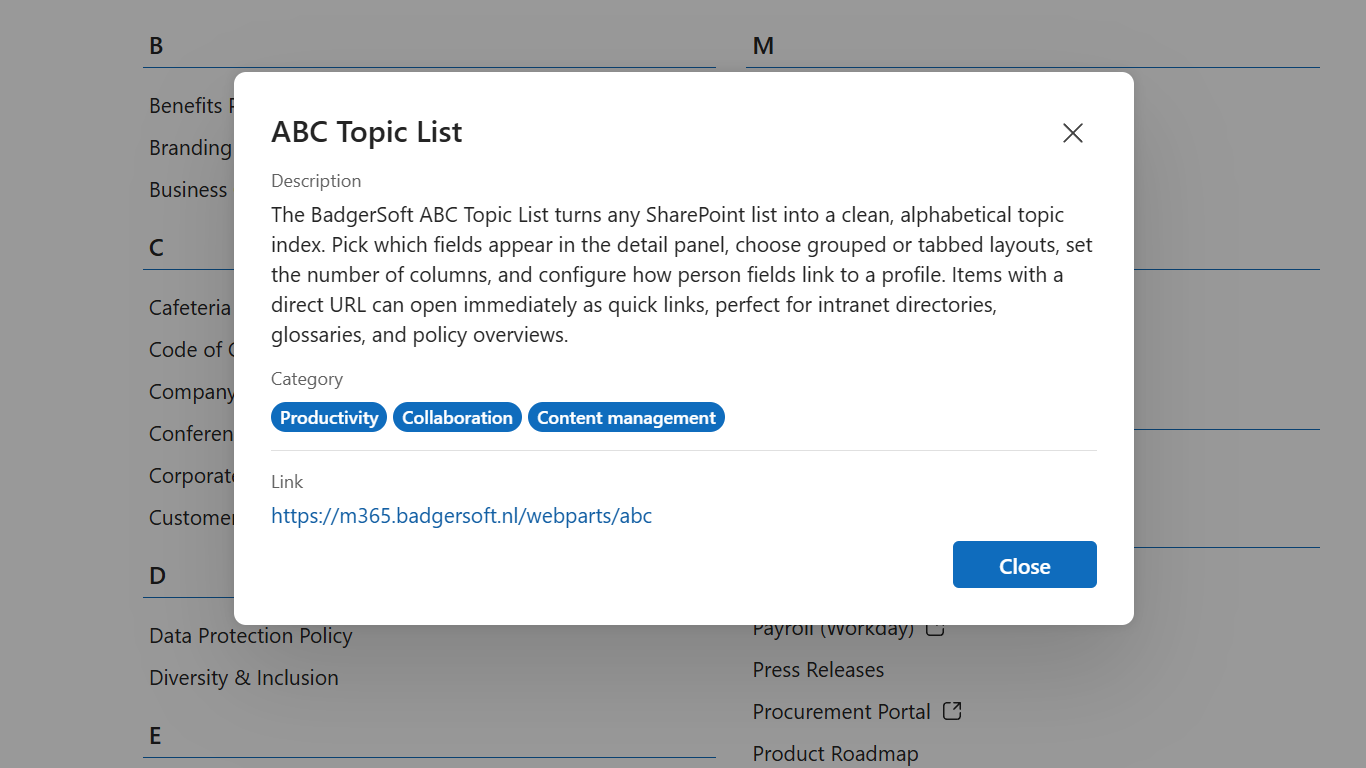
Configurable detail panel with rich text, pills, links and more
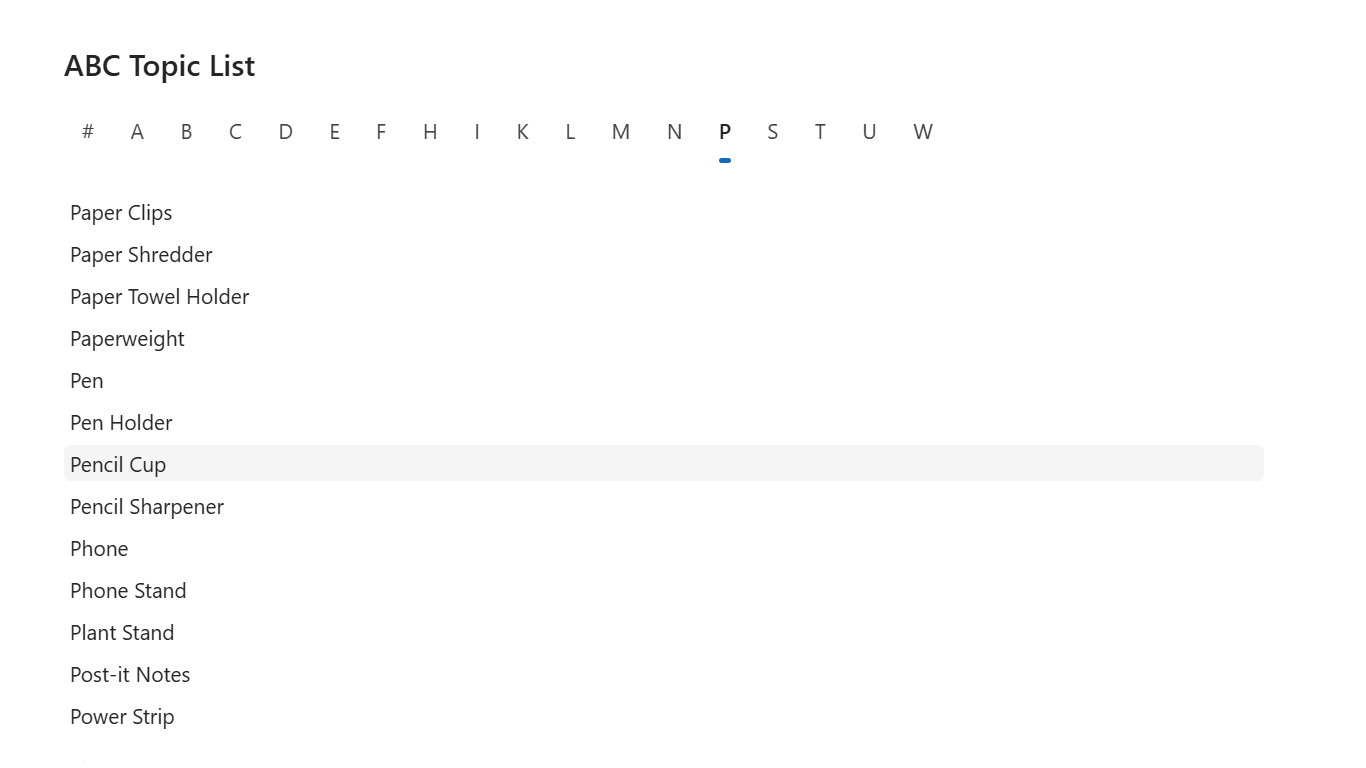
Tabbed display style with A-Z navigation
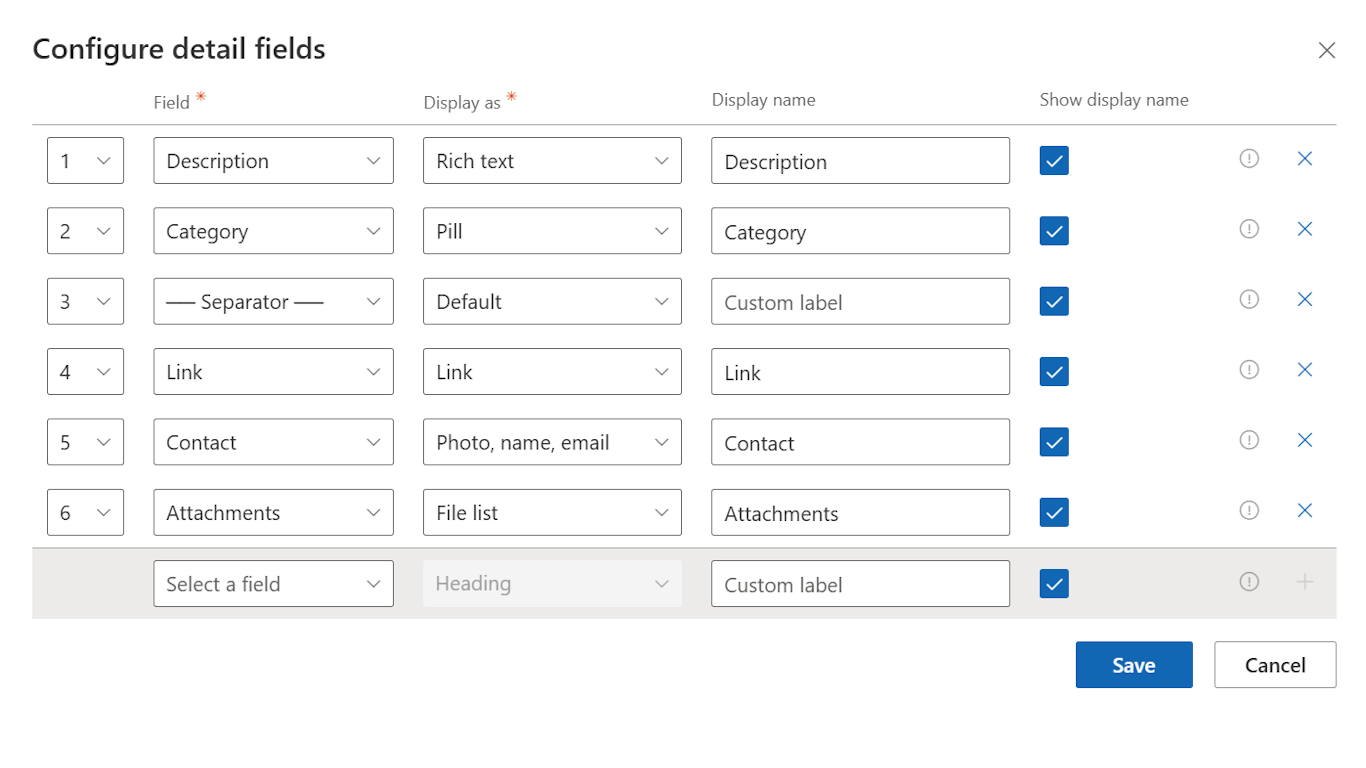
Drag-and-drop field configuration with per-field display options
Click to enlarge
Features
Three Display Styles
Grouped by first letter, Tabbed, or Tabbed (circular) — pick what fits your page.
Flexible Column Layout
Configurable number of columns with flowing or equal column heights.
Configurable Detail View
Pick which fields to show, rename them, hide field labels, and skip empty fields.
Rich Field Renderers
Built-in renderers for rich text, attachments, images, currency, links, and separators.
Taxonomy Support
Managed metadata fields display correctly out of the box.
Choice Pills
Render choice fields as colored pills or tags for a polished look.
Link-only Items
Items with a URL field open the link directly instead of the detail panel — ideal for quick-link directories.
Theme Aware
Adapts to SharePoint and Teams themes including dark mode.
Responsive
Works seamlessly on desktop, tablet, and mobile.
Works Everywhere
SharePoint pages and Microsoft Teams tabs.
Localized
Fully localized in English, Dutch, German, French, and Spanish.
Licensing & Trial
Per-tenant, yearly subscription via LemonSqueezy
Without a license, the web part is fully functional to allow evaluation. A notification popup appears in the property panel to remind you that a license is required for continued use.
After purchase, you receive a license key by email. Activate by signing in with your Microsoft account and linking the key to your tenant.
Download
See the download page for all available downloads and documentation.